Out now on Android

The mission ended. The next transfer begins.

Plan your week, set your goals, and keep up with the people who matter, the way you did on your mission. It works without internet, and your plans stay yours.

Free on Google Play. It installs safely and updates itself.

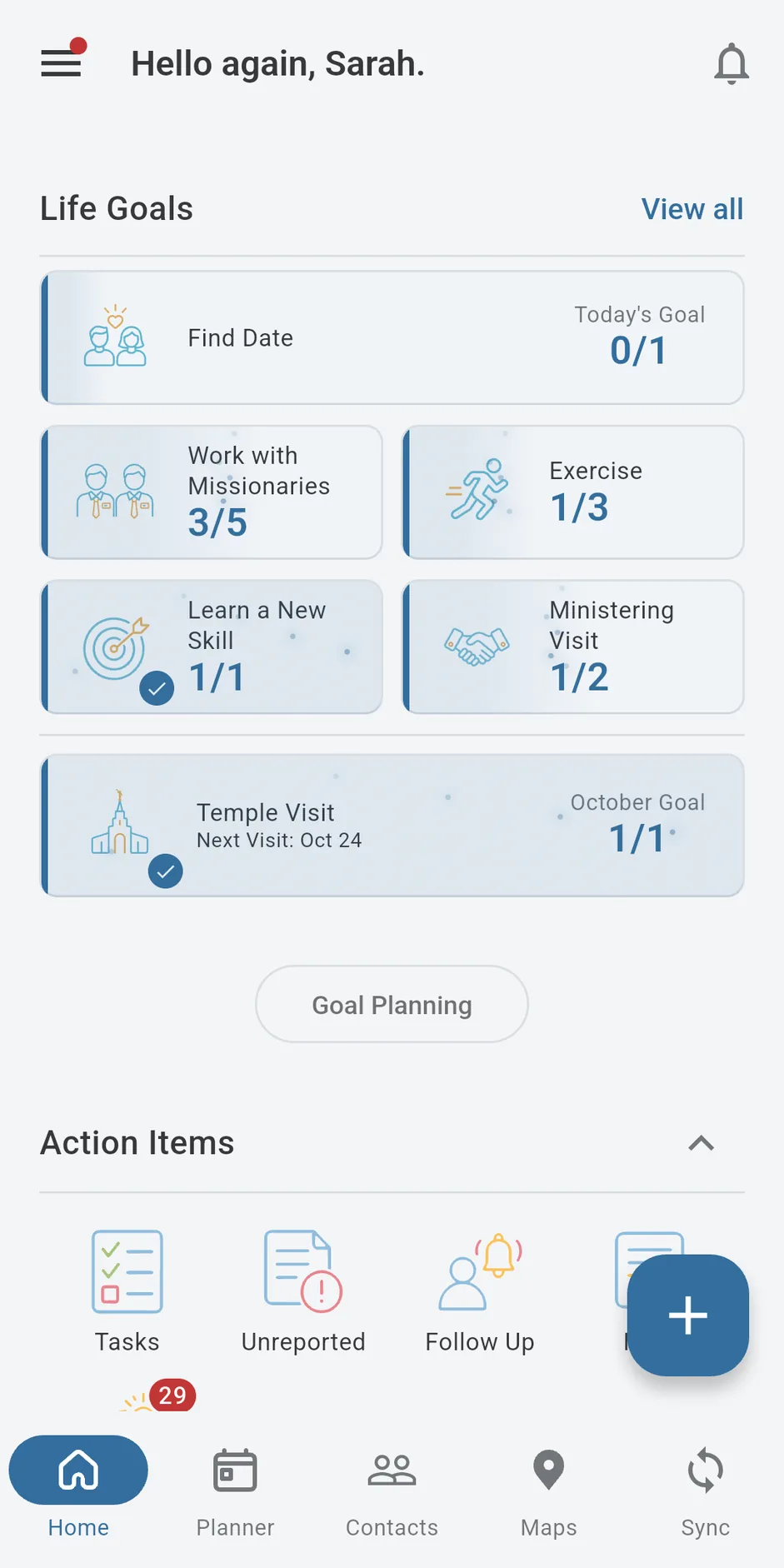
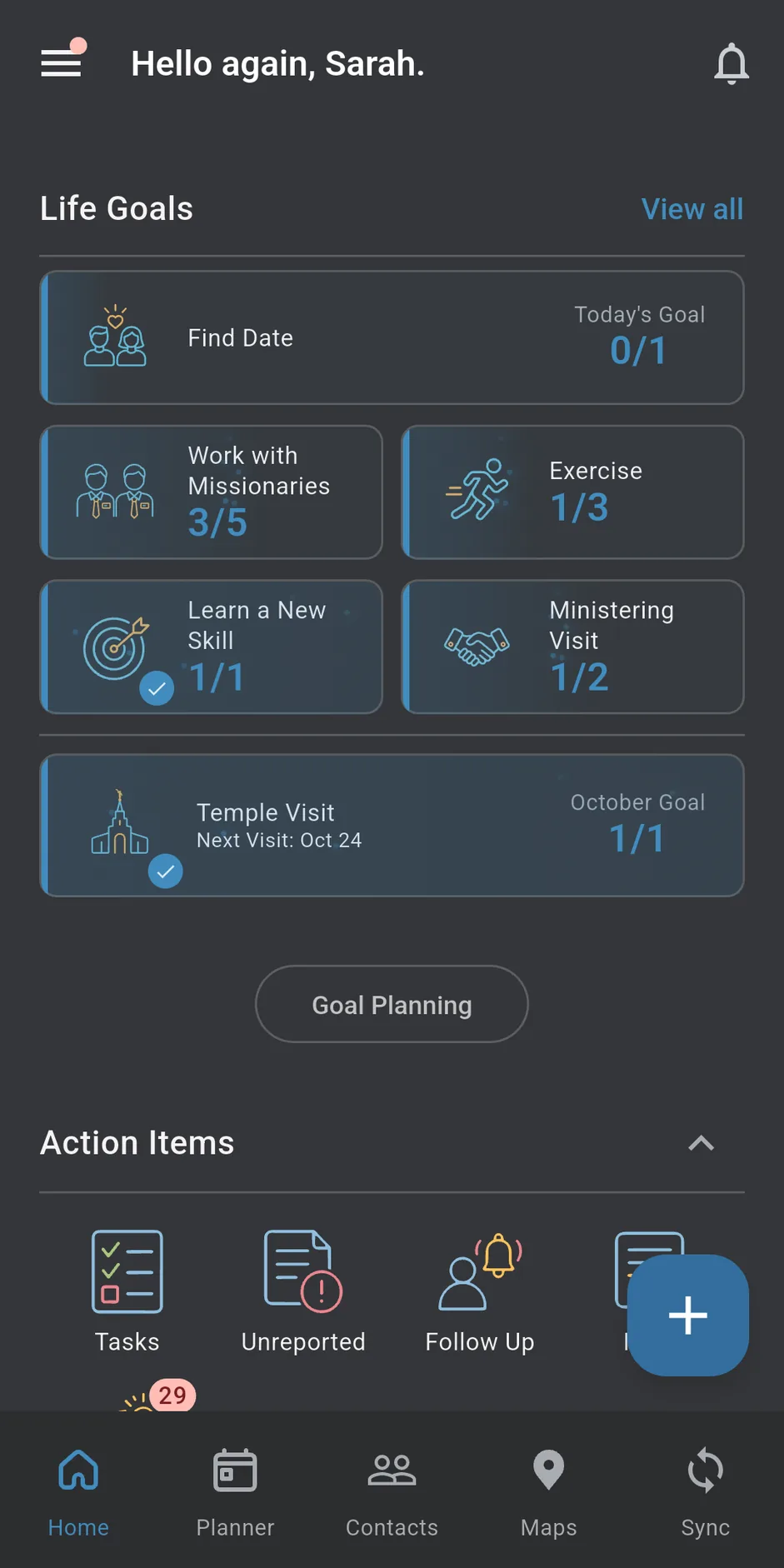
Next Transfer Home screen, showing life goals and weekly indicators Next Transfer Home screen, showing life goals and weekly indicators

Honest progress.

Your numbers only go up when you mark what really happened.

Works without internet.

Plan anywhere, even with no signal. You never need to be online.

Your plans stay on your phone.

Signing in with Google is optional. Only do it if you want a backup.

Free, with no ads.

The whole planner is free. Pro is an optional upgrade.

The rhythm you know, rebuilt for real life

Your day, your week, your habits, your people, and your big goals, in one app instead of six.

Weekly Planner

Plan each day, plan the week ahead, then look back on how it went. The same habit you built on your mission.
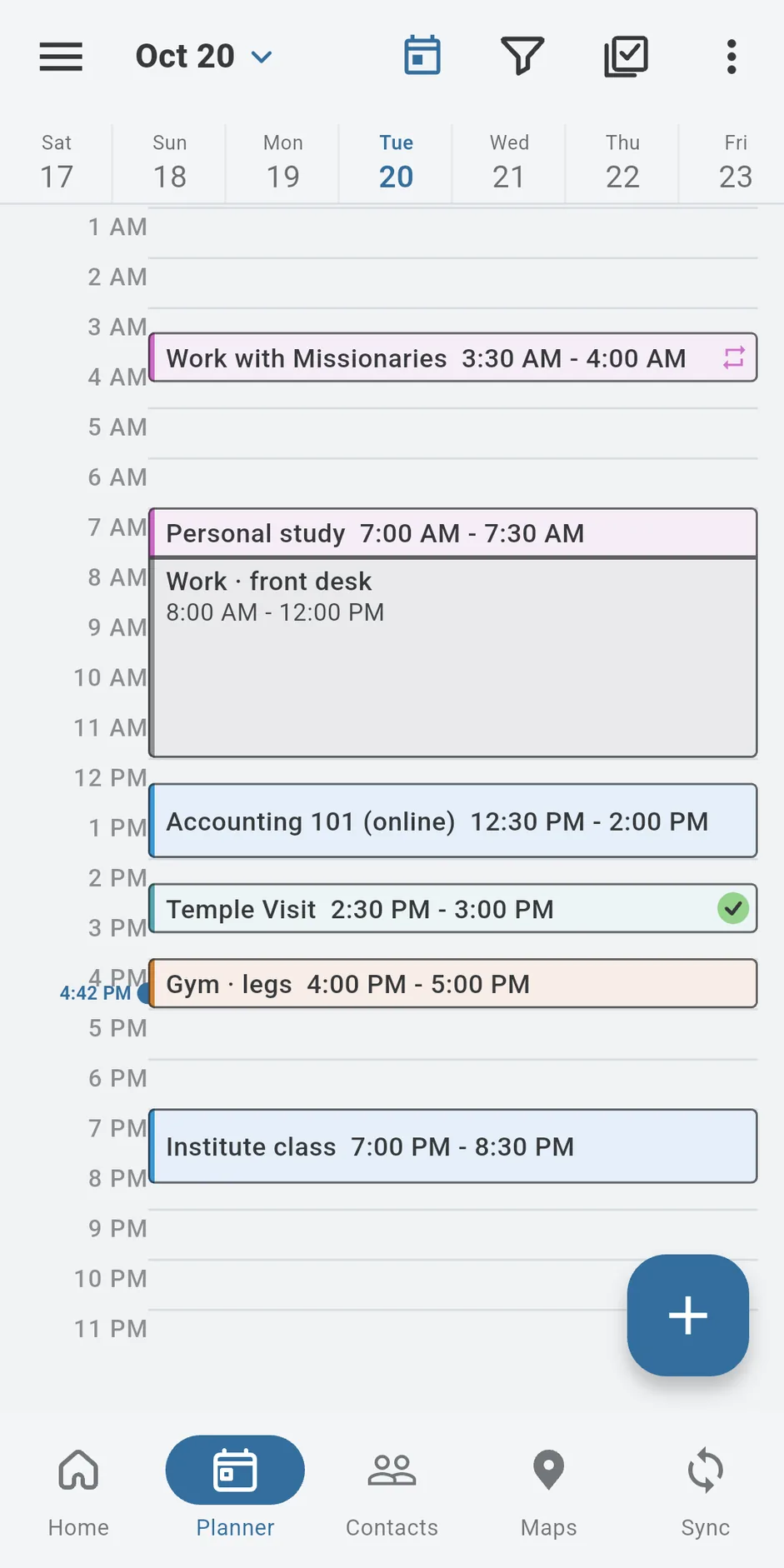
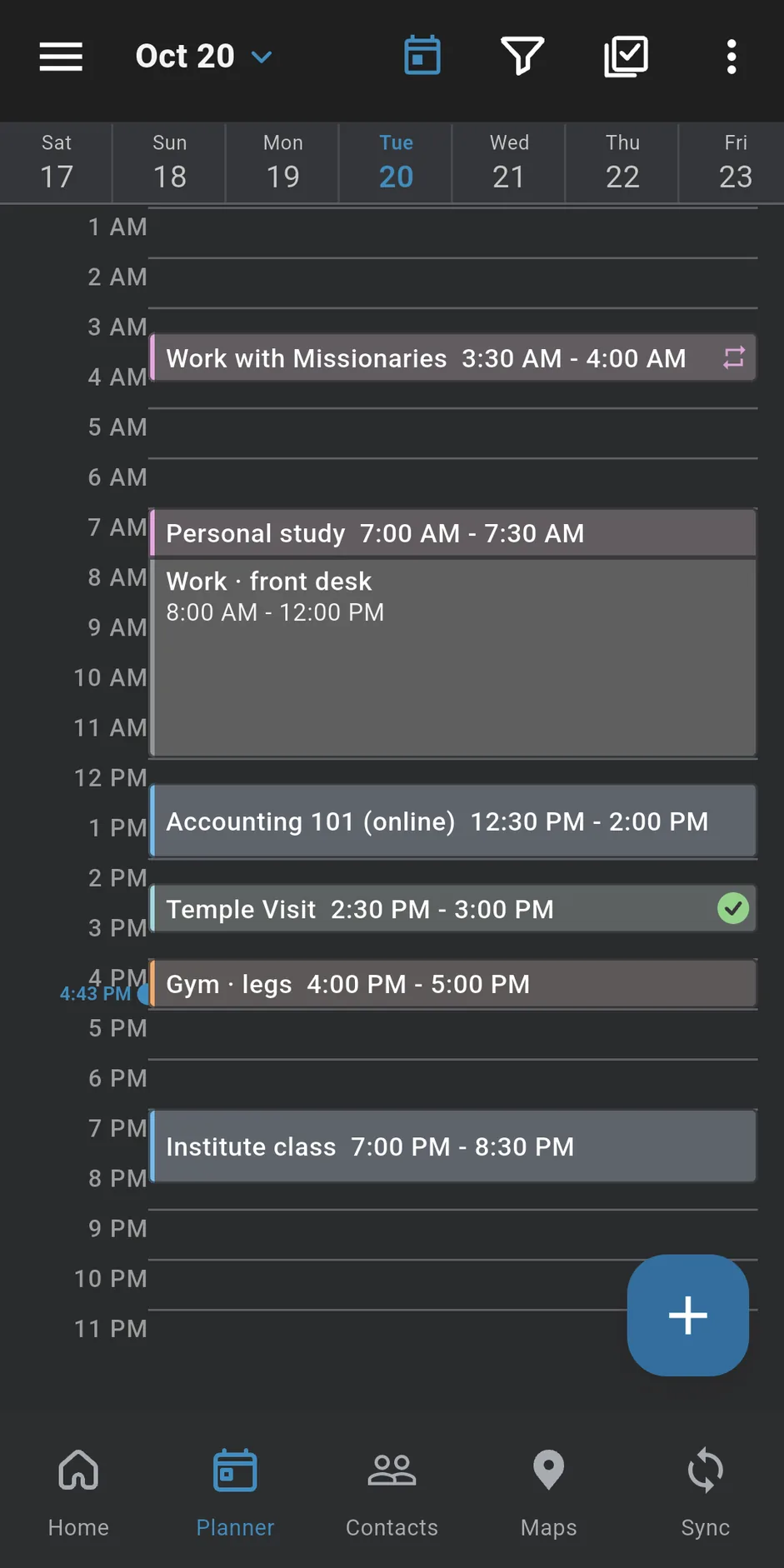
Next Transfer Planner screen with a daily timeline and week strip Next Transfer Planner screen with a daily timeline and week strip

Weekly Life Indicators

Pick the habits you care about and see how your week really went. Tap one to try it.

0 of 5 done this week

People & Follow-ups

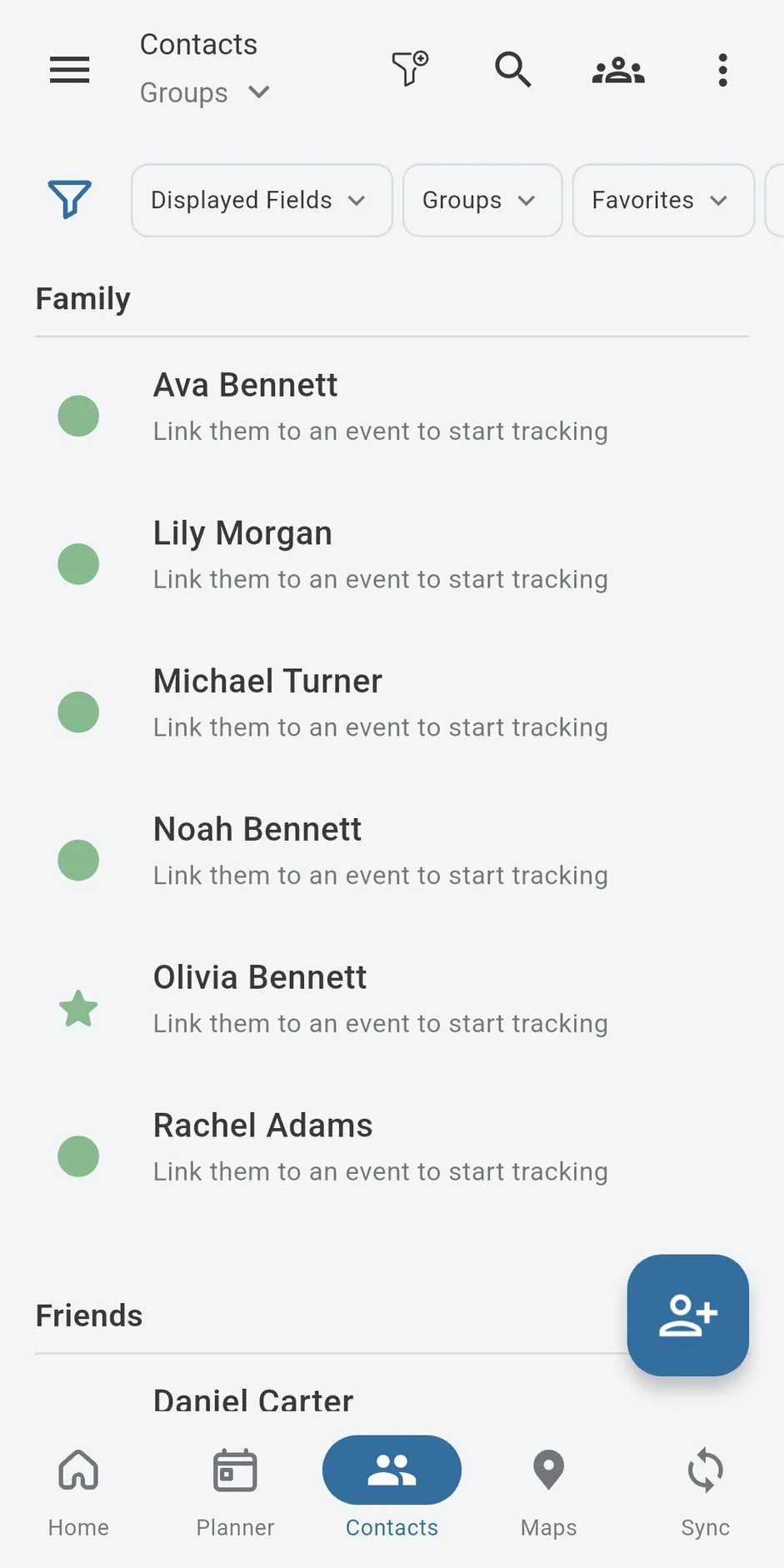
Remember who you talked to, when, and when to reach out next. Group people by family or household so nobody gets forgotten.
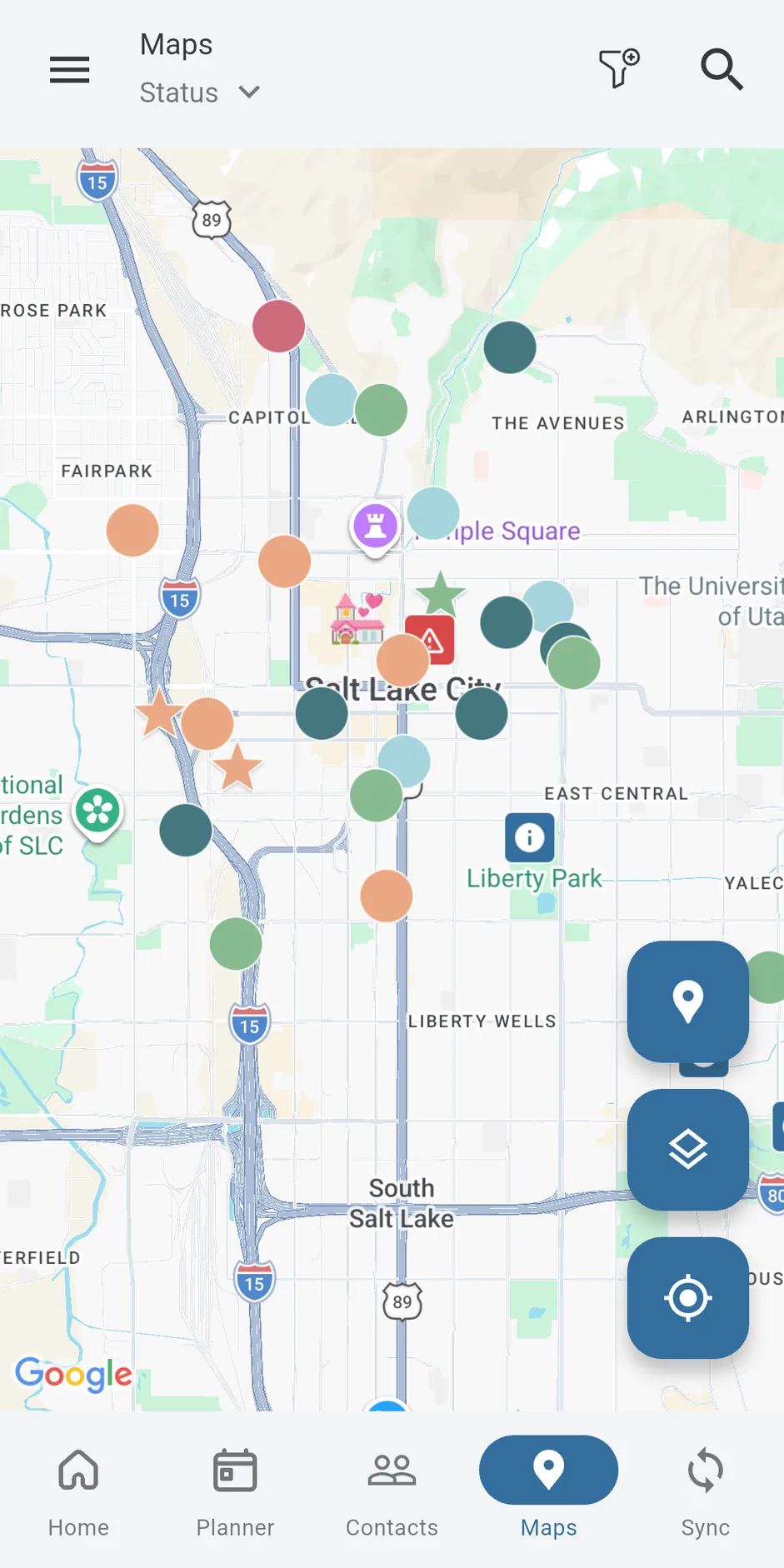
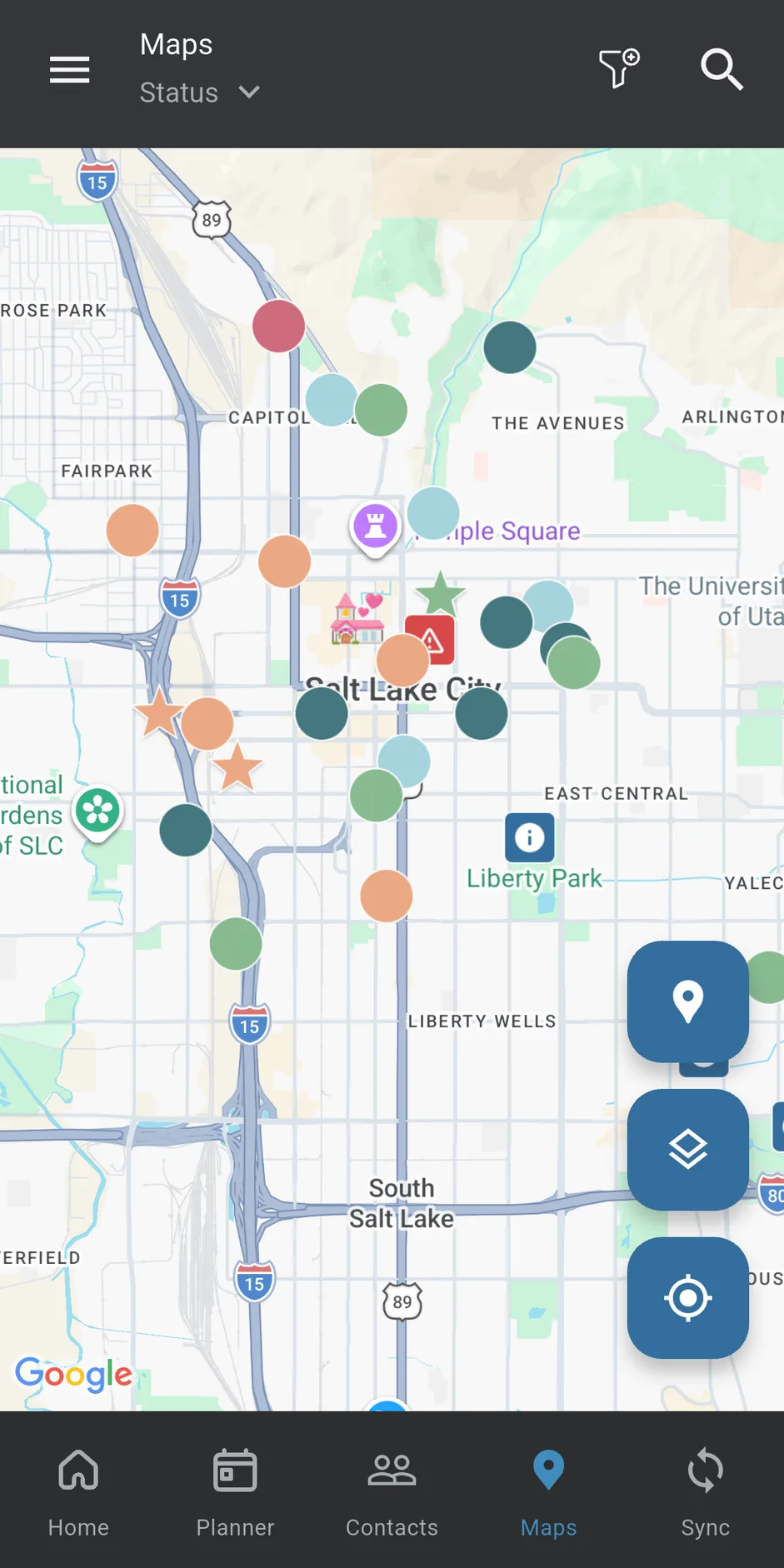
Next Transfer Places Map with pins placed by the user Next Transfer Places Map with pins placed by the user

Places Map

Save the places that matter, then open them in your maps app when it is time to go. You place every pin; the app never tracks where you are.

Privacy Lock

Lock the app with your fingerprint, face, or a PIN. Your planner stays private, even if someone else uses your phone.

New at launch

Bring your calendars, classes, and history with you.

All of this is in today's version.

  • Move over from BetterCalendar.Bring your events, tasks, and contacts from a BetterCalendar backup file. It is free, you see everything before it is added, and nothing gets deleted.
  • Your phone's calendar.See the calendars already on your phone inside your Planner, kept up to date. Free.
  • Google Calendar.See your Google Calendar events in your Planner. Next Transfer only looks; it never changes your Google Calendar.
  • Canvas for students.With Pro, your Canvas homework shows up as Planner tasks, along with grades and announcements, once you connect your Canvas account.
  • Backup and new phones.Sign in with Google once. When you get a new phone, your plans come back by themselves.
  • Notes, Journal, and households.Write notes and journal entries you can label and pin. Group a family under one address and one map pin.

Plan it, do it, mark it

Putting something on your calendar is not the same as doing it. Next Transfer only counts what you say really happened, so your progress stays honest months from now.

  1. Plan your week

    Once a week, sit down, set your goals, and plan what you want to do.

  2. Link it to a habit

    When you plan something, pick the habit it counts toward, like exercise or scripture study.

  3. Confirm what happened

    Afterward, mark it done, partly done, or didn't happen. Nothing counts until you mark it.

  4. See your real progress

    Your numbers only move when you say they did, so you can trust them in month six, not just week one.

Your planner is nobody else's business.

Here is exactly what that means, in plain words.

  • Saved on your phone.Your tasks, plans, notes, and contacts are kept privately on your phone and work without internet.
  • Backup only if you want it.You don't need an account to plan. Sign in with Google only if you want a private online copy for a new phone.
  • No ads. No tracking.Nothing about you is sold, and the app doesn't watch what you do.
  • Encrypted online copy.If you turn on backup, your copy is sent over encrypted connections and stored encrypted. Other accounts cannot see it. (It is not end-to-end encrypted.)
  • Delete any time.Delete your account and all of your cloud data from inside the app, whenever you want.
  • Optional Privacy Lock.Use your fingerprint, face, or a PIN. Your fingerprint stays with your phone; the app never sees it.
  • You place the pins.The app never tracks where you go. Maps come from Google Maps, so Google's privacy terms apply there.
Read the full Privacy Policy
Home screen Home screen
HomeLife goals and weekly indicators
Planner screen Planner screen
PlannerDaily timeline and week strip
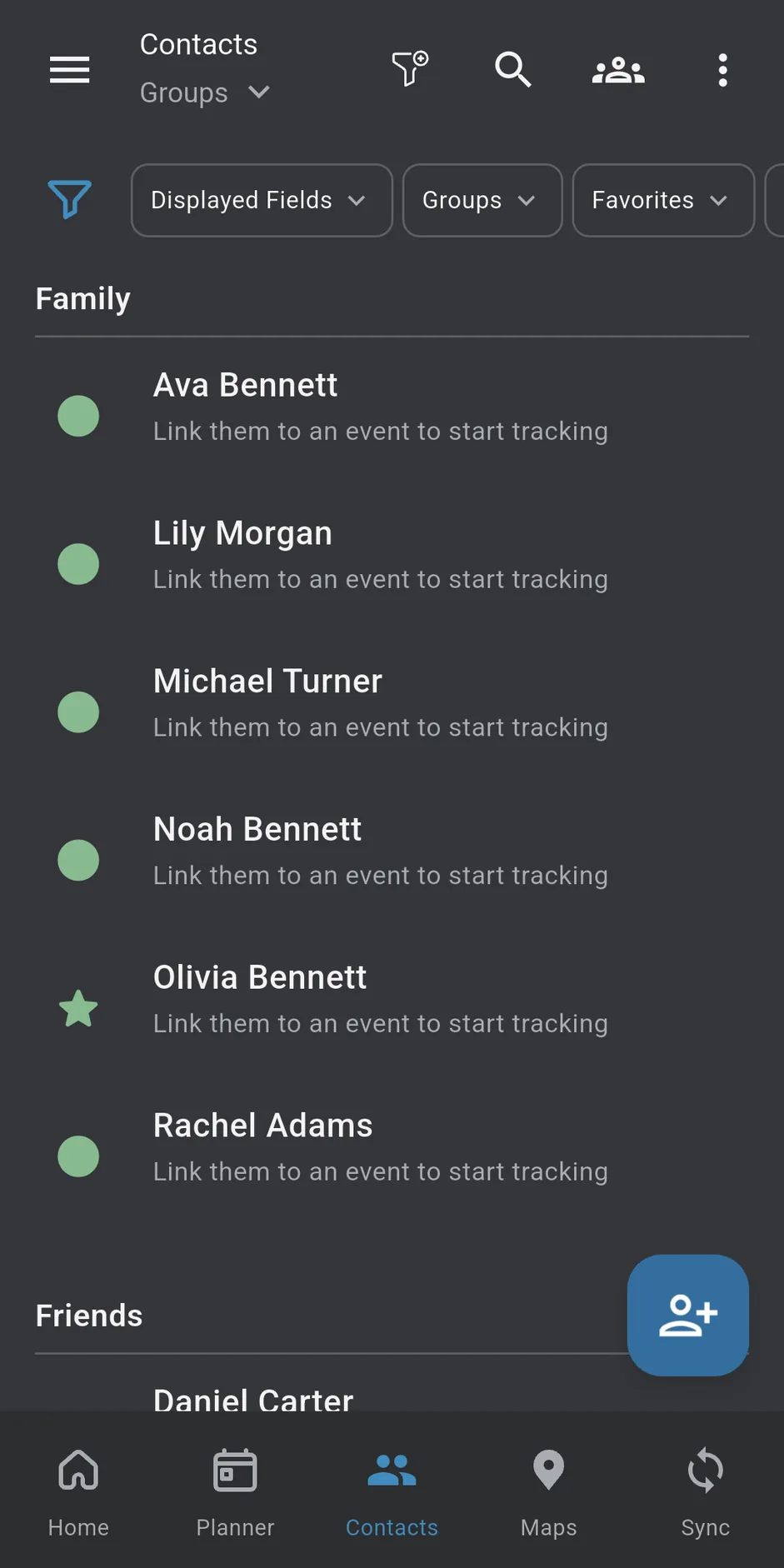
People screen People screen
PeopleConnections and follow-ups
Places Map with pins placed by the user Places Map with pins placed by the user
Places MapYour pins, opened in maps
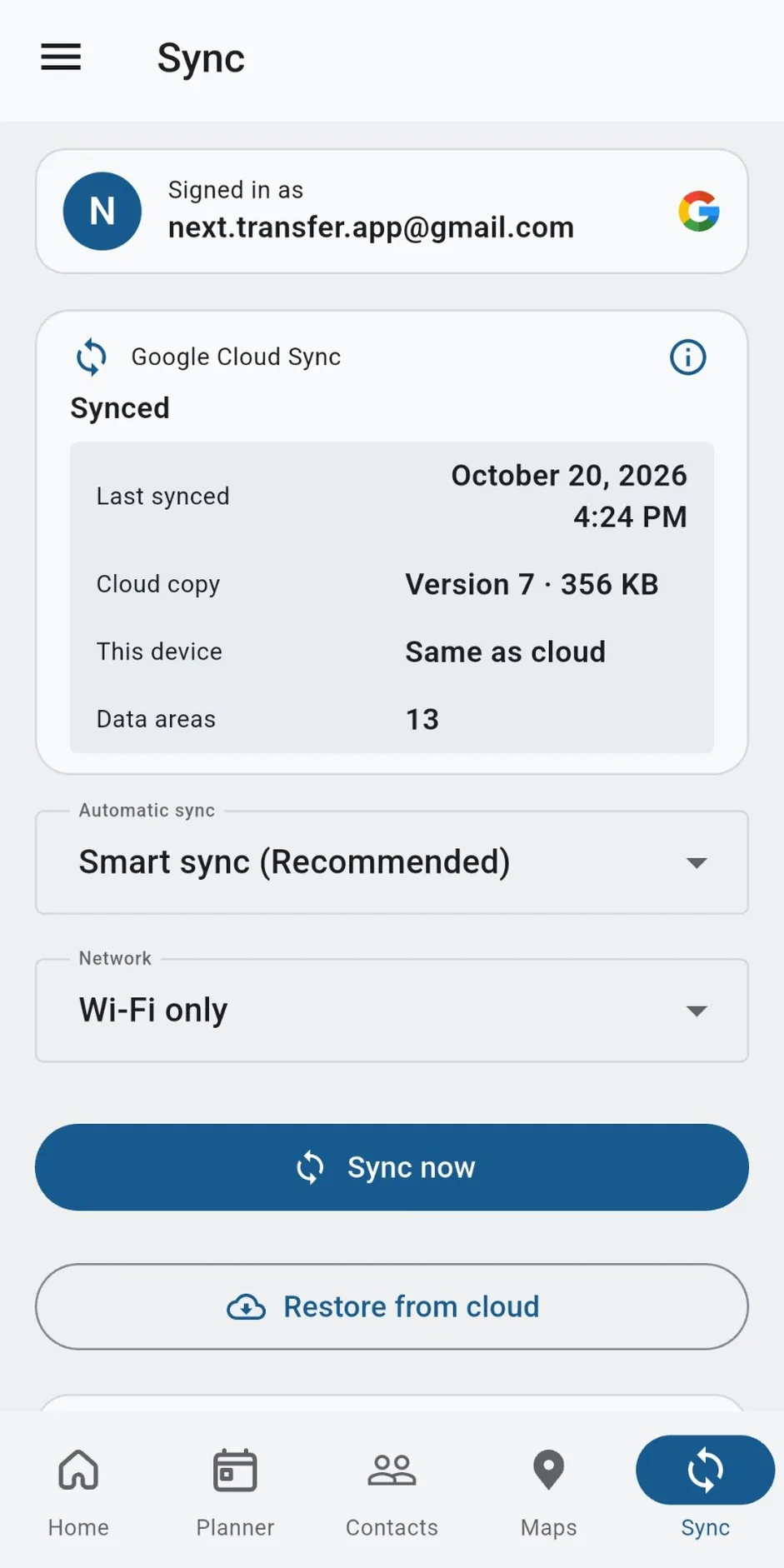
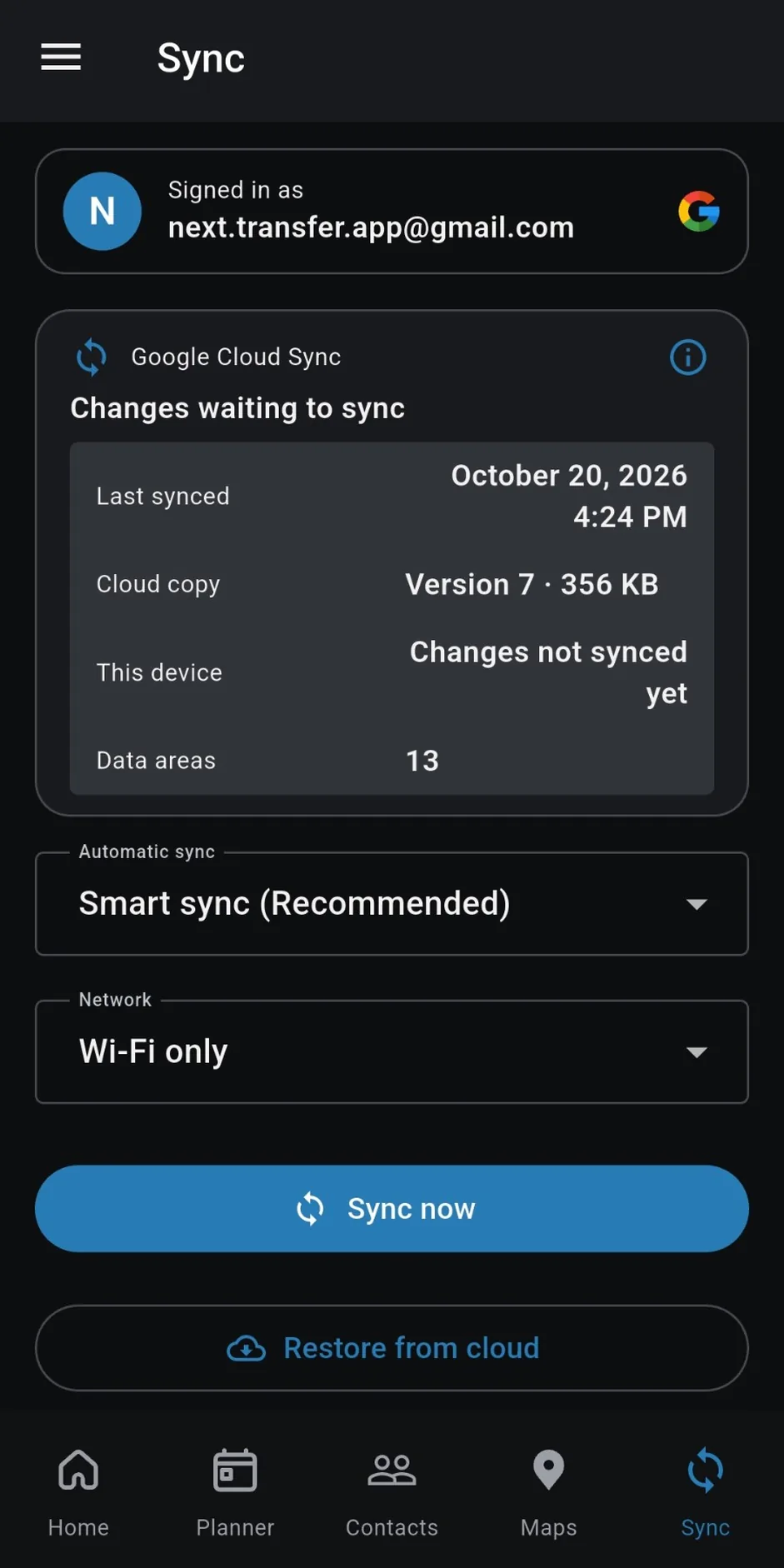
Sync screen with Google cloud backup status Sync screen with Google cloud backup status
SyncYour plans, safe across devices

Questions, answered plainly

Is Next Transfer free?
Yes. Planning, goals, people, maps, calendar import, and Sync are free, with no ads. Next Transfer Pro is an optional subscription through Google Play that adds extra Life Goal slots, Journal and Notes sync, Canvas sync, and the Pro look. Prices are shown in Google Play for your country.
Do I need an account?
No. Install it and start planning. Signing in with Google is optional and only needed for Sync and Pro.
Where does my data live?
In private app storage on your device. If you sign in and turn on Sync, a copy is also kept in a private cloud area that belongs to your account, so you can restore it on a new phone. If you never sign in, nothing leaves your device for Sync.
Does it track me?
No. There are no ads and no tracking tools, and your personal information is never sold. Maps come from Google Maps. Like any website, Google Maps can see basic details, such as your internet address, when it loads a map.
Can I move to a new phone?
Yes. Sign in with Google and turn on Sync. On a new phone, sign in with the same account and Next Transfer restores your plans by itself. You can also keep your own backup file.
Does this replace the planning tools I used on my mission?
No. Next Transfer is an independent planner for life after the mission, built on familiar habits like daily and weekly planning and following up with people. It does not replace any official materials or tools.
Coming from BetterCalendar?
Next Transfer can import the events, tasks, and contacts in your BetterCalendar backup file, free. The import only adds; it never deletes anything already in Next Transfer, and you can preview it first. Next Transfer is not affiliated with or endorsed by BetterCalendar.
What do I need to run it?
An Android phone with Android 7.0 or newer. It works fine when your signal comes and goes. There is no iPhone version yet.
I was a beta tester. What happens now?
Thank you. Keep using the app you have; it updates from Google Play like any other app. As a thank-you, beta testers get 3 free months of Pro after launch. The beta is now closed to new testers.
Is this affiliated with the Church?
No. Next Transfer is an independent application and is not affiliated with, endorsed by, or sponsored by The Church of Jesus Christ of Latter-day Saints. It tracks personal commitments you choose. It does not measure worthiness, righteousness, or spiritual standing.

Now on Google Play

Next Transfer for Android

Get Next Transfer from Google Play. It installs safely and updates itself.

Questions? Write to next.transfer.app@gmail.com